

Digital signage maintenance is one of the most important—and often overlooked—parts of operating a successful commercial display network. Hotels, casinos, healthcare facilities, restaurants, corporate offices, retail locations, and other commercial properties may invest heavily in digital displays, video walls, menu boards, wayfinding screens, and interactive displays, but purchasing the hardware is only the beginning.
The long-term value of that investment depends on keeping the system operating reliably.
A display that is turned off, showing outdated content, experiencing connectivity problems, overheating, or suffering from visible image problems is no longer helping the business communicate. In some environments, a failed screen can create more than an inconvenience. It can interfere with wayfinding, guest communication, promotions, meetings, menus, property information, or other important functions.
A proactive digital signage maintenance strategy can help organizations reduce unexpected downtime, identify problems before they become larger issues, and get more value from their commercial display investment.
Elevate B2B works with hotels, casinos, healthcare facilities, and commercial organizations seeking digital signage solutions, commercial displays, video walls, hospitality TVs, mounting solutions, installation services, and related technology.
Whether you are planning a new digital signage deployment, expanding an existing system, or replacing aging equipment, Elevate B2B is here to help.
Ready to discuss your digital signage project? Call Elevate B2B at (833) 351-5333 or book an appointment online.
Table of Contents
Why Digital Signage Maintenance Matters
Digital signage is no longer limited to displaying a rotating advertisement on a television. Modern commercial display systems can support numerous communication and operational functions throughout a property.
A hotel might use hospitality digital signage for lobby promotions, meeting schedules, conference information, wayfinding, restaurant promotions, property amenities, event information, and guest communications.
A casino may operate dozens or hundreds of screens promoting restaurants, entertainment, gaming offers, loyalty programs, events, and directions.
Healthcare organizations can use displays for wayfinding, informational messaging, directories, waiting areas, and other communications.
Commercial facilities may depend on digital signage for dashboards, conference rooms, employee communications, visitor information, and interactive applications.
The more important signage becomes to daily operations, the more important reliability becomes.
Digital Signage Is a Commercial Technology Investment
Commercial displays are designed for business environments, but that does not mean they should simply be installed and forgotten.
Operating conditions can vary considerably. Some screens operate only during normal business hours, while others may be expected to operate for extended schedules. Displays may be installed in bright lobbies, restaurants, hallways, conference centers, healthcare facilities, outdoor environments, or other challenging locations.
A maintenance strategy should consider the entire installation rather than only the panel.
That includes:
- Commercial displays
- Video wall components
- Mounting hardware
- Media players
- Network connectivity
- Cabling and connections
- Power
- Ventilation
- Content systems
- Remote controls and accessories
- Physical condition of the installation
Organizations planning a new system can explore Elevate B2B’s digital signage solutions to learn more about commercial display options.
The Real Cost of Digital Signage Downtime
A failed screen has an obvious hardware cost, but downtime can also create indirect costs.
Imagine a hotel lobby display advertising the property restaurant and happy-hour promotion. If the display goes black during a busy weekend, the hotel loses an important promotional channel.
Consider a conference hotel using displays to direct hundreds of attendees to different meeting rooms. A failed wayfinding screen creates confusion at precisely the wrong time.
A casino operating a video wall may have an even greater concern. One failed panel can disrupt the appearance of the entire installation.
These situations demonstrate why digital signage maintenance should be considered part of the overall signage strategy rather than an afterthought.
Preventive Maintenance vs. Reactive Maintenance
There are essentially two approaches.
Reactive maintenance means waiting until something fails and then determining what happened.
Preventive maintenance attempts to identify potential issues earlier.
For large commercial environments, preventive thinking can be particularly valuable because one organization may operate many displays across multiple areas or properties.
Routine checks can look for warning signs such as:
- Intermittent signal loss
- Loose connections
- Abnormal display behavior
- Excessive dust accumulation
- Ventilation problems
- Damaged cables
- Mount movement
- Content playback problems
- Network connectivity issues
- Uneven video wall alignment
- Physical damage
Not every problem means the display itself has failed.
That distinction matters.
Replacing a display unnecessarily can be expensive, particularly when troubleshooting reveals that the actual problem involves a cable, media player, network connection, power source, or another component.
Start With the Right Commercial Display
Maintenance begins before installation.
Selecting hardware appropriate for the application can help establish a stronger foundation for long-term reliability.
Consumer televisions and commercial digital signage displays are designed for different use cases. Commercial environments may require specific operating schedules, brightness levels, mounting orientations, control capabilities, warranties, connectivity, or centralized management.
Elevate B2B supplies digital signage and commercial display solutions from leading manufacturers including Samsung, LG, NEC, Philips, and Sharp.
For properties evaluating Samsung products alongside commercial signage, Elevate B2B also offers Samsung hospitality TVs for hotel and guest-room deployments.
Match the Display to the Environment
A screen in a dim hallway does not face the same operating conditions as a display positioned near a bright lobby window.
Likewise, an indoor menu board is different from an outdoor display exposed to changing environmental conditions.
Before selecting equipment, consider:
Operating hours: How many hours per day will the screen operate?
Brightness: How much ambient light is present?
Orientation: Will the screen operate horizontally or vertically?
Content: Will it display menus, video, static graphics, wayfinding, dashboards, or interactive content?
Location: Is the installation indoors, outdoors, recessed into a wall, or part of a video wall?
Service accessibility: Can technicians easily reach the display if service is required?
Making these decisions correctly during planning can make future maintenance considerably easier.
For hotel properties where digital signage is part of a broader guest-room technology upgrade, Elevate B2B’s Guide to Hospitality TV explains many of the considerations involved in choosing commercial-grade hospitality televisions.
Building a Digital Signage Maintenance Plan
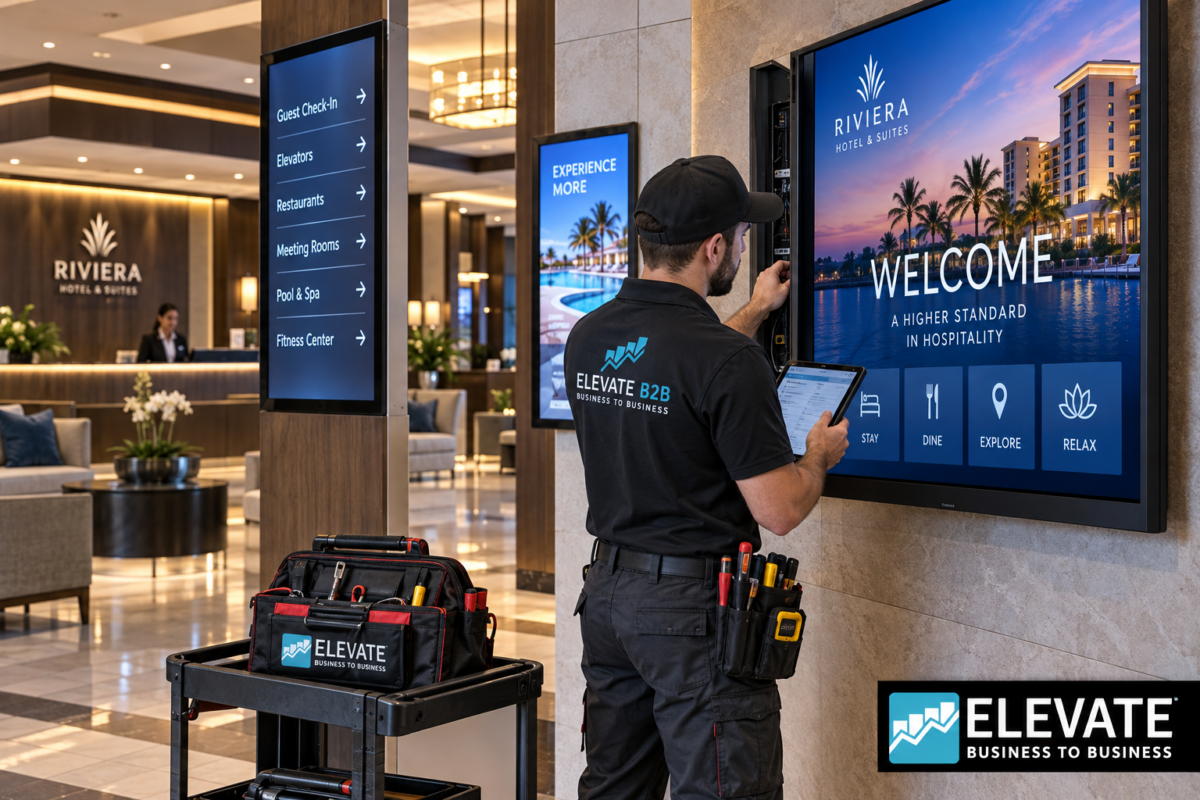
A useful digital signage maintenance plan should cover hardware, software, physical installation, connectivity, content, and system performance.
The goal is not to unnecessarily service equipment. The goal is to create a repeatable process that makes it easier to identify problems.
1. Inspect Displays Regularly
Visual inspections are one of the simplest steps.
Staff can look for obvious problems including physical damage, screen abnormalities, flickering, unexpected shutdowns, unusual discoloration, or content that does not display properly.
For video walls, examine the entire canvas rather than each display individually.
Look for:
- Panel alignment
- Image consistency
- Missing signals
- Unexpected brightness differences
- Loose or shifted mounts
- Content synchronization issues
A minor issue on a single display can become highly noticeable when several displays are combined into one video wall.
2. Keep Displays and Ventilation Areas Clean
Dust can accumulate around displays, vents, mounts, equipment cabinets, and media players.
Cleaning procedures should follow manufacturer recommendations and should avoid applying inappropriate chemicals directly to the screen.
Ventilation deserves particular attention.
Commercial electronic equipment generates heat. Restricted airflow or excessive dust around ventilation areas can make it more difficult for equipment to operate under intended conditions.
The installation environment should therefore be considered part of maintenance.
3. Check Mounts and Installation Hardware
Digital signage maintenance is not limited to electronics.
Mounting hardware is a critical part of the installation.
Elevate B2B supplies multiple mounting configurations, including:
- Flat mounts
- Full-motion and articulating mounts
- Pivot mounts
- Press-and-release solutions
- Pull-out pivot mounts
- Swivel stands
- Tilt mounts
- Whiteboard mounts
- Mount accessories
The appropriate mount can also improve serviceability.
For example, a display installed in a location that is difficult to access may benefit from mounting hardware designed to provide easier service access.
4. Inspect Connections and Cabling
When a display stops showing content, the display itself is not automatically the problem.
Troubleshooting may need to include:
- HDMI or other video connections
- Network connections
- Media players
- Power connections
- Signal distribution equipment
- Content sources
- Control equipment
Loose or damaged connections can create intermittent problems that appear to be display failures.
A structured troubleshooting process can help avoid unnecessary hardware replacement.
5. Monitor Content Performance
A perfectly functioning screen showing incorrect or outdated content is still a failed communication tool from the customer’s perspective.
Businesses should regularly verify that:
- Scheduled content is playing
- Promotions are current
- Pricing is correct
- Event information is current
- Wayfinding information is accurate
- Emergency or operational messages are configured correctly
- Expired campaigns have been removed
Content management should therefore be part of the overall digital signage maintenance strategy.
6. Pay Attention to Network Reliability
Many modern digital signage systems depend on network connectivity.
If connectivity fails, remote updates, monitoring, content distribution, or other functions may be affected.
For multi-location organizations, remote management can become especially valuable.
Instead of physically visiting every screen simply to determine whether content is playing correctly, centralized tools may allow teams to manage or monitor compatible signage environments remotely.
7. Create an Equipment Inventory
Large organizations should know what they own and where it is installed.
An inventory can include:
- Property
- Building
- Floor
- Display location
- Manufacturer
- Model
- Screen size
- Serial number
- Installation date
- Mount type
- Media player
- Warranty information
- Service history
- Replacement status
This information becomes increasingly useful as a digital signage network grows.
A hotel with six displays may be manageable from memory. A hotel group operating hundreds of screens across multiple properties is a different situation.
When Should Digital Signage Be Replaced?
Maintenance cannot make equipment last indefinitely.
At some point, organizations need to determine whether continuing to service older equipment makes financial sense compared with replacement.
Replacement may be worth considering when:
- Failures become frequent
- Replacement parts become difficult to obtain
- Existing displays no longer meet brightness requirements
- New applications require different connectivity
- The organization wants centralized management capabilities
- Existing screens no longer support operational requirements
- A renovation requires a different appearance or screen size
- Maintaining multiple generations of equipment becomes inefficient
This is where lifecycle planning becomes important.
Rather than waiting for numerous displays to fail independently, organizations can plan phased upgrades.
If your project involves both signage and guest-room televisions, reviewing Elevate B2B’s hotel TV solutions can help you evaluate a broader technology refresh instead of treating each equipment category separately.
Digital Signage Financing Is Available
A large-scale refresh can require substantial capital, particularly when a project includes displays, mounts, installation, accessories, video wall equipment, or other technology.
Elevate B2B offers financing options for qualified commercial projects.
Financing can help organizations preserve working capital while moving forward with necessary technology upgrades. Depending on the project and financing structure, businesses may be able to finance more than the displays themselves and create a more manageable approach to a larger deployment.
For hotels simultaneously upgrading guest-room entertainment, Elevate B2B also provides information about smart TVs for hotels and hotel TV systems.
Contact Elevate B2B at (833) 351-5333 to discuss available financing options for your project.
Digital Signage Maintenance for Hotels
Hotels have particularly diverse signage requirements.
A single property might have screens in:
- The lobby
- Restaurants
- Bars
- Elevators
- Conference areas
- Meeting rooms
- Fitness centers
- Guest-service areas
- Ballrooms
- Hallways
- Outdoor spaces
Hotel operators should prioritize systems that support the guest experience without creating unnecessary complexity for property staff.
Elevate B2B also specializes in hospitality television solutions. Property managers researching guest-room technology can review the Guide to Hospitality TV and Elevate B2B’s broader hospitality TV solutions.
Maintenance During a Hotel Renovation
A renovation is an ideal time to evaluate aging signage.
Instead of reinstalling older displays automatically, ask:
- How old is the existing equipment?
- Will it support the property’s future content strategy?
- Is the screen size still appropriate?
- Is brightness adequate?
- Are mounts still suitable?
- Can cabling be improved while walls are open?
- Should lobby signage be standardized?
- Is it time to upgrade meeting-room displays?
- Can management be simplified?
Addressing these questions during renovation can be much easier than modifying the infrastructure after construction is complete.
Hotel renovations also frequently include appliance replacements. Elevate B2B provides hospitality appliances such as mini bars, microwaves, refrigerators/freezers, merchandisers, and safes. Properties planning a more upscale renovation can also explore premium hospitality appliances.
Digital Signage Maintenance Case Studies and Long-Term Strategy
The following hypothetical scenarios illustrate how common digital signage problems can be approached. They are examples, not claims about specific Elevate B2B customers.
Case Study Scenario #1: Hotel Lobby Display Failures
Situation: A busy hotel operates several lobby screens for promotions, events, and guest information. Staff begin noticing intermittent blank screens.
Instead of immediately purchasing replacement displays, the property first evaluates the complete signal path, power, connections, media source, and individual displays.
The assessment identifies which components actually require replacement and which remain serviceable.
Business lesson: Troubleshoot systematically before assuming the most expensive component has failed.
The hotel can then establish an inventory of its signage hardware and develop a replacement schedule for aging equipment.
Case Study Scenario #2: Aging Multi-Property Signage
Situation: A hotel ownership group has acquired properties over several years. Each location has different display models, mounts, and signage configurations.
Maintenance becomes increasingly complicated because staff must manage numerous hardware generations.
The group decides to standardize equipment during future renovations and scheduled replacements.
Potential benefits include:
- More consistent guest-facing appearance
- Easier purchasing
- Simplified replacement planning
- More standardized installation
- Reduced hardware fragmentation
- Easier staff training
Rather than replacing every screen simultaneously, the organization creates a phased modernization plan.
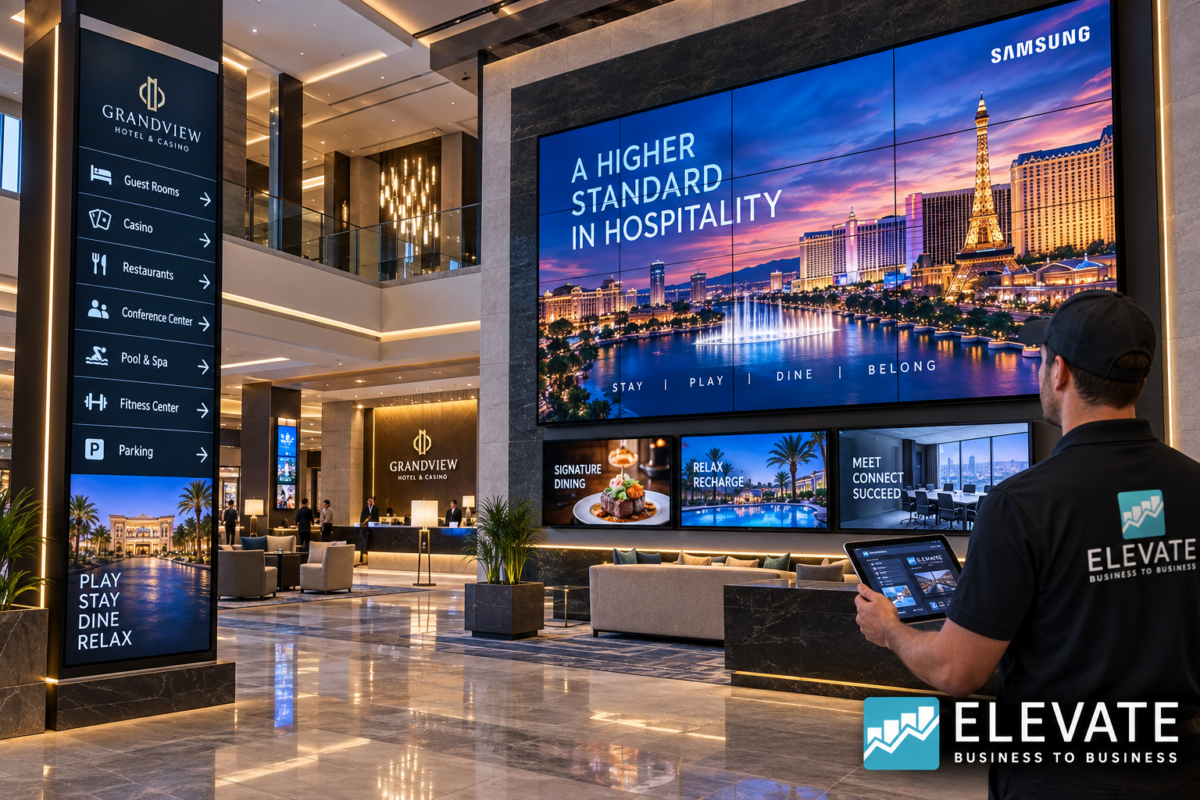
Case Study Scenario #3: Casino Video Wall Upgrade
A casino operates a prominent video wall that attracts attention from a significant distance.
One aging panel begins producing inconsistent results compared with neighboring screens.
Because a video wall functions as one visual canvas, inconsistency in one panel affects the presentation of the entire installation.
The property decides to evaluate the broader video wall rather than repeatedly addressing individual panels.
Business lesson: For highly visible installations, lifecycle planning should consider the complete system.
Case Study Scenario #4: Healthcare Wayfinding Displays
A healthcare facility relies on commercial displays for visitor information and wayfinding.
Reliability is especially important because visitors may already be unfamiliar with the facility.
The organization develops routine signage checks and documents the location and hardware information for every important display.
When a problem occurs, staff can quickly identify the affected unit and provide accurate equipment information to the appropriate service or technology team.
Business lesson: Documentation can dramatically simplify troubleshooting across large facilities.
How Often Should Digital Signage Maintenance Be Performed?
There is no universal schedule that applies to every installation.
Maintenance frequency depends on factors such as operating hours, environment, display type, accessibility, application, and manufacturer recommendations.
A practical approach is to combine frequent visual checks with periodic detailed inspections.
Staff who walk through the property every day can quickly identify obvious issues such as blank screens or incorrect content.
More detailed inspections can evaluate cabling, mounts, ventilation, hardware condition, and other components.
High-priority displays may deserve more attention.
A small screen showing general marketing content does not necessarily have the same operational importance as a primary lobby directory, conference schedule display, menu board, or major video wall.
Maintenance priorities should reflect business impact.
Build Digital Signage Maintenance Into Your Technology Budget
Businesses frequently budget for purchasing technology but fail to plan for its complete lifecycle.
A stronger digital signage budget considers:
Initial equipment cost
Displays, mounts, media players, cabling, accessories, and installation.
Ongoing management
Content management, network requirements, staff time, and system administration.
Maintenance
Troubleshooting, cleaning, inspections, service, and component replacement.
Future upgrades
Replacement of aging displays and expansion into additional locations.
This creates a more realistic picture of the total investment.
Cost-effectiveness does not always mean purchasing the least expensive screen.
It means selecting equipment that makes sense for the intended application while considering reliability, serviceability, expected usage, and long-term operational requirements.
Property decision-makers researching additional hospitality technology can also browse the Elevate B2B Blog for information about hotel televisions, commercial displays, digital signage, appliances, installation, financing, and related commercial technology.
Why Work With Elevate B2B?
Commercial technology projects frequently involve more than choosing a display.
A hotel renovation, casino upgrade, healthcare deployment, or commercial project may require displays, TVs, mounts, appliances, installation, delivery coordination, and other equipment.
Elevate B2B can help organizations source multiple components of these projects.
Available product and service categories include digital signage, digital displays, commercial TVs, touch displays, outdoor displays, signage stands, Samsung video walls, Samsung and LG hospitality TVs, TV mounts, hotel appliances, safes, supply-chain solutions, rescue delivery, installation services, remote controls, TV boxes, tools, and related TV add-ons.
That broader approach can be valuable for organizations managing a major property improvement or technology refresh.
Beyond Digital Signage: Build a Complete Hospitality Technology Package
Hotel projects often involve more than lobby displays.
A renovation may simultaneously require:
- Hospitality TVs
- Commercial digital signage
- Video walls
- TV mounts
- Mini bars
- Microwaves
- Refrigerators and freezers
- Merchandisers
- Safes
- Remote controls
- TV accessories
- Installation services
Coordinating these categories through an experienced B2B supplier can simplify purchasing and project planning.
For more information about related technology, explore Elevate B2B’s hospitality digital signage, hospitality TVs, Samsung hospitality TVs, and hospitality appliance solutions.
Signs Your Property May Need a Digital Signage Upgrade
Maintenance can extend the usefulness of a system, but there comes a point where modernization may offer greater value.
Consider evaluating an upgrade when you notice recurring issues such as outdated hardware, increasing failures, inconsistent displays across the property, limited remote management, poor brightness, inadequate screen sizes, difficult service access, or equipment that no longer fits the property’s technology strategy.
For hotels in particular, visual presentation matters.
Guests may not know the model number of a lobby display, but they notice a modern, bright, professional environment—and they also notice a blank screen hanging on the wall.
Digital signage should support the property’s image rather than detract from it.
Digital Signage Maintenance FAQ
What is digital signage maintenance?
Digital signage maintenance is the ongoing process of checking, cleaning, troubleshooting, managing, and servicing the components that make up a commercial signage system. This may include displays, mounts, connections, media players, network connectivity, content systems, and related hardware.
Why is digital signage maintenance important?
Maintenance helps organizations identify problems, reduce avoidable downtime, maintain professional presentation, and protect the value of their commercial technology investment.
How often should commercial digital signage be inspected?
Inspection frequency depends on the environment, operating schedule, importance of the display, and manufacturer recommendations. High-visibility and mission-critical displays should generally receive greater attention than low-priority screens.
Can commercial digital signage operate all day?
Commercial displays are available for different operating requirements. The correct display should be selected according to the intended duty cycle and application. Check the specifications for the specific model being considered.
Should I use a consumer TV for digital signage?
For professional commercial applications, a commercial display is often the more appropriate choice because commercial products are designed around business use cases. The correct solution depends on operating hours, brightness, orientation, control requirements, warranty terms, and installation environment.
For hotels comparing guest-room televisions with commercial displays, Elevate B2B’s best hotel TV systems guide provides additional information on hospitality-focused equipment.
What should I check when a digital signage screen goes black?
Do not automatically assume the panel has failed. Check power, signal source, connections, cabling, media player, network status, and other components before determining that display replacement is required.
Do video walls require maintenance?
Yes. Video wall maintenance can include checking panels, signal distribution, alignment, mounts, cabling, ventilation, content synchronization, and overall image performance.
Can Elevate B2B supply replacement digital signage displays?
Yes. Elevate B2B supplies commercial digital signage and display solutions for hotels, casinos, healthcare facilities, and commercial environments. Visit the digital signage solutions page or call (833) 351-5333 to discuss your project requirements.
Does Elevate B2B offer installation services?
Yes. Elevate B2B offers installation services along with supply-chain solutions, rescue delivery, TV add-ons, commercial display products, and related equipment.
Does Elevate B2B offer financing?
Yes. Financing is available for qualified commercial projects. Financing can be particularly useful for larger technology refreshes involving multiple displays, TVs, mounts, appliances, installation, and related equipment.
Call (833) 351-5333 to discuss current financing options.
Can Elevate B2B help with hotel TV projects too?
Yes. Elevate B2B supplies Samsung and LG hotel TV solutions in addition to commercial digital signage. Property teams can review Elevate B2B’s hospitality TV solutions, Samsung hospitality TVs, and Guide to Hospitality TV for additional information.
Can Elevate B2B help with a complete hotel renovation?
Yes. Elevate B2B offers multiple product categories relevant to hotel renovations, including hospitality TVs, digital signage, mounts, appliances, safes, installation services, supply-chain solutions, and related accessories.
Properties combining technology upgrades with room appliance replacements can also explore Elevate B2B’s premium hospitality appliances.
Protect Your Digital Signage Investment
Digital signage maintenance should not begin after the first screen fails.
It should begin when the system is planned.
Choosing appropriate commercial hardware, installing it correctly, maintaining accurate equipment records, monitoring system performance, checking physical components, and planning future replacement can help businesses protect their investment.
For hotels, casinos, healthcare facilities, and commercial organizations, reliable signage also helps protect something equally important: the customer and guest experience.
A beautifully designed digital signage campaign cannot deliver results if the screen displaying it is offline.
Elevate B2B is here to help businesses plan, source, upgrade, and deploy commercial display technology.
Whether you need a few replacement displays or are preparing for a larger property renovation involving digital signage, hospitality TVs, video walls, mounts, appliances, accessories, and installation services, the Elevate B2B team can help you evaluate your options.
Financing is available for qualified projects, helping businesses move forward with larger equipment purchases while preserving capital for other operational priorities.
Ready to Upgrade Your Digital Signage?
Don’t wait until aging screens and unexpected failures begin disrupting your property.
Talk with Elevate B2B about your current digital signage environment, upcoming renovation, replacement requirements, or new commercial display project.
Call Elevate B2B today at (833) 351-5333.
You can also visit Elevate B2B and book an appointment online.
From a single commercial display to a larger hotel, casino, healthcare, or commercial deployment, Elevate B2B is here to help you find the right equipment and build a solution around your project’s requirements.
